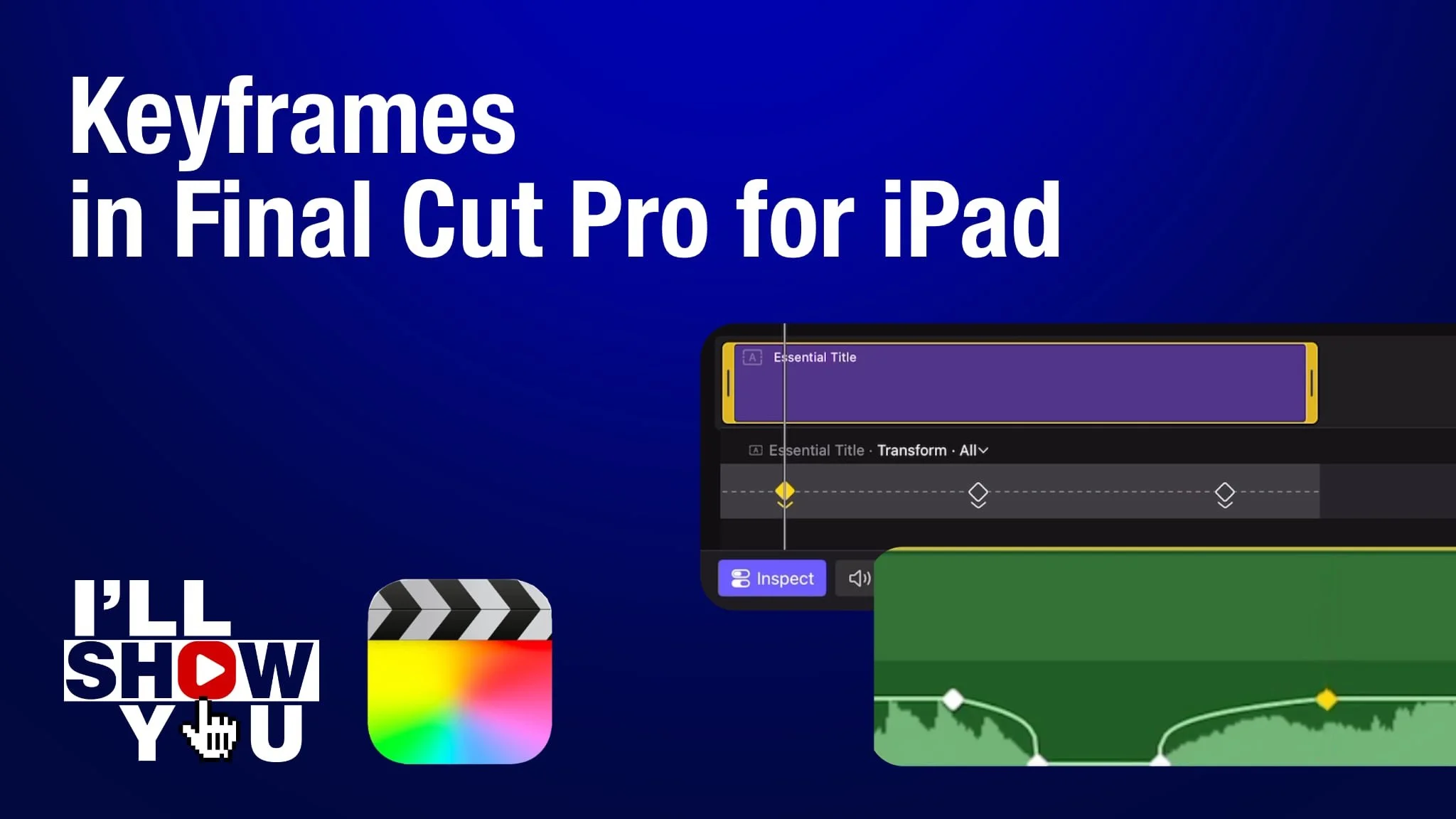
Learn how to tint a video clip in Final Cut Pro for iPad using a built-in video effect. In this beginner-friendly tutorial, you’ll see how to quickly apply a color tint to your footage to change its mood, style, or visual tone. Tinting is a simple but powerful way to enhance storytelling, create a stylized look, or match a specific color theme in your project.
This video walks through how to find the tint effect, apply it to a clip in the timeline, and adjust the color to get the look you want—all directly on iPad. Whether you’re editing YouTube videos, social media content, or mobile filmmaking projects, this technique helps you get creative results fast without complex color grading tools.
Perfect for creators new to Final Cut Pro for iPad, this tutorial is part of a mobile video editing workflow focused on speed, simplicity, and professional results using Apple’s editing tools.