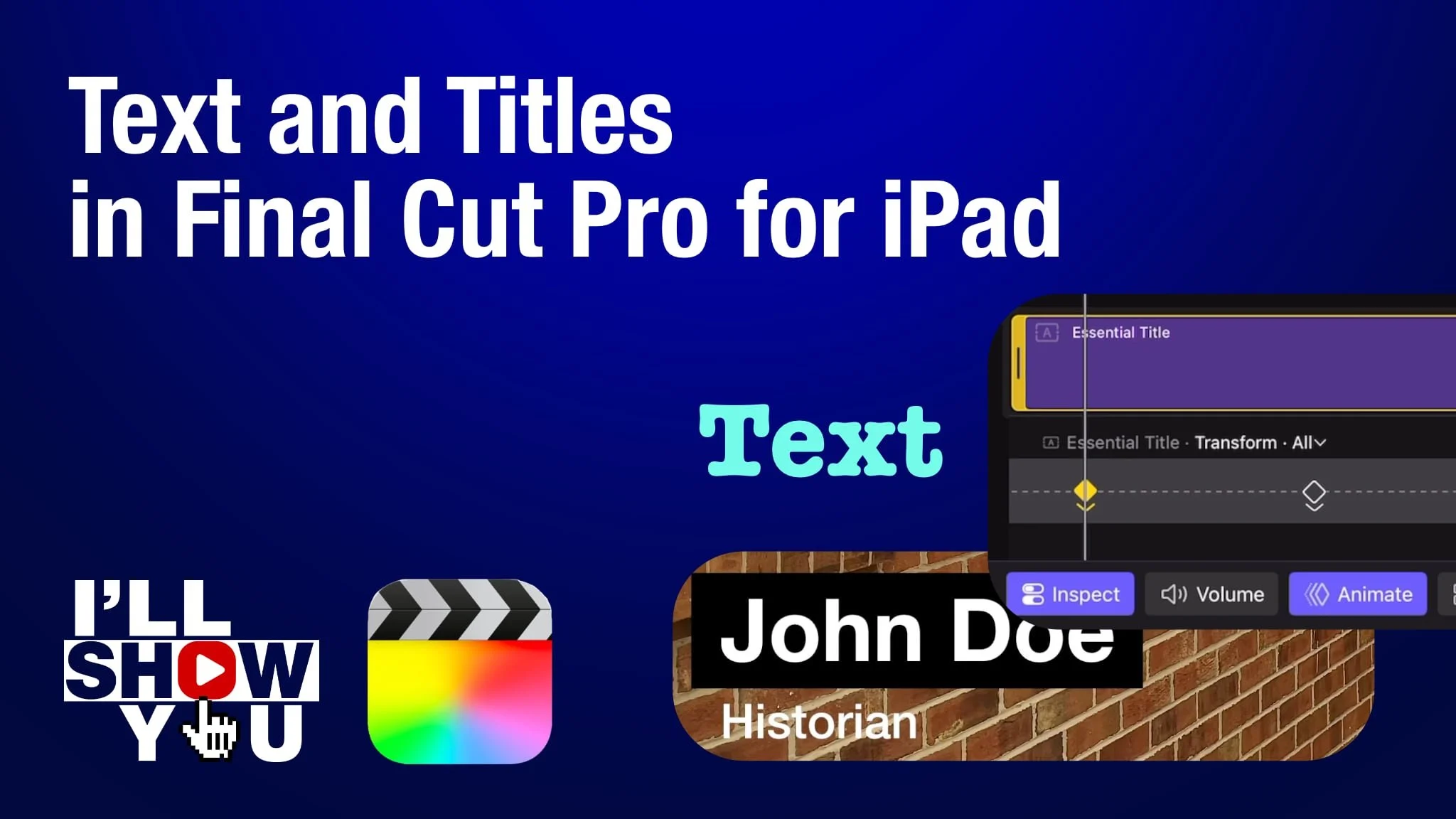
Explore the Final Cut Pro for iPad interface with this beginner-friendly tutorial playlist designed to help you understand where everything lives and how it all works together. These videos break down the core features of the app’s interface, including the timeline, browser, inspector, viewer, tools, and editing controls—so you can edit faster and with more confidence on iPad.
Whether you’re new to Final Cut Pro for iPad or transitioning from desktop editing, this playlist helps you build a solid foundation for mobile video making and mobile filmmaking. Understanding the interface is the key to efficient workflows, better organization, and smoother editing on Apple’s powerful iPad platform.
Perfect for creators, filmmakers, educators, and anyone looking to get the most out of video editing on iPad, this growing playlist will help you master the Final Cut Pro for iPad workspace and unlock its full potential.