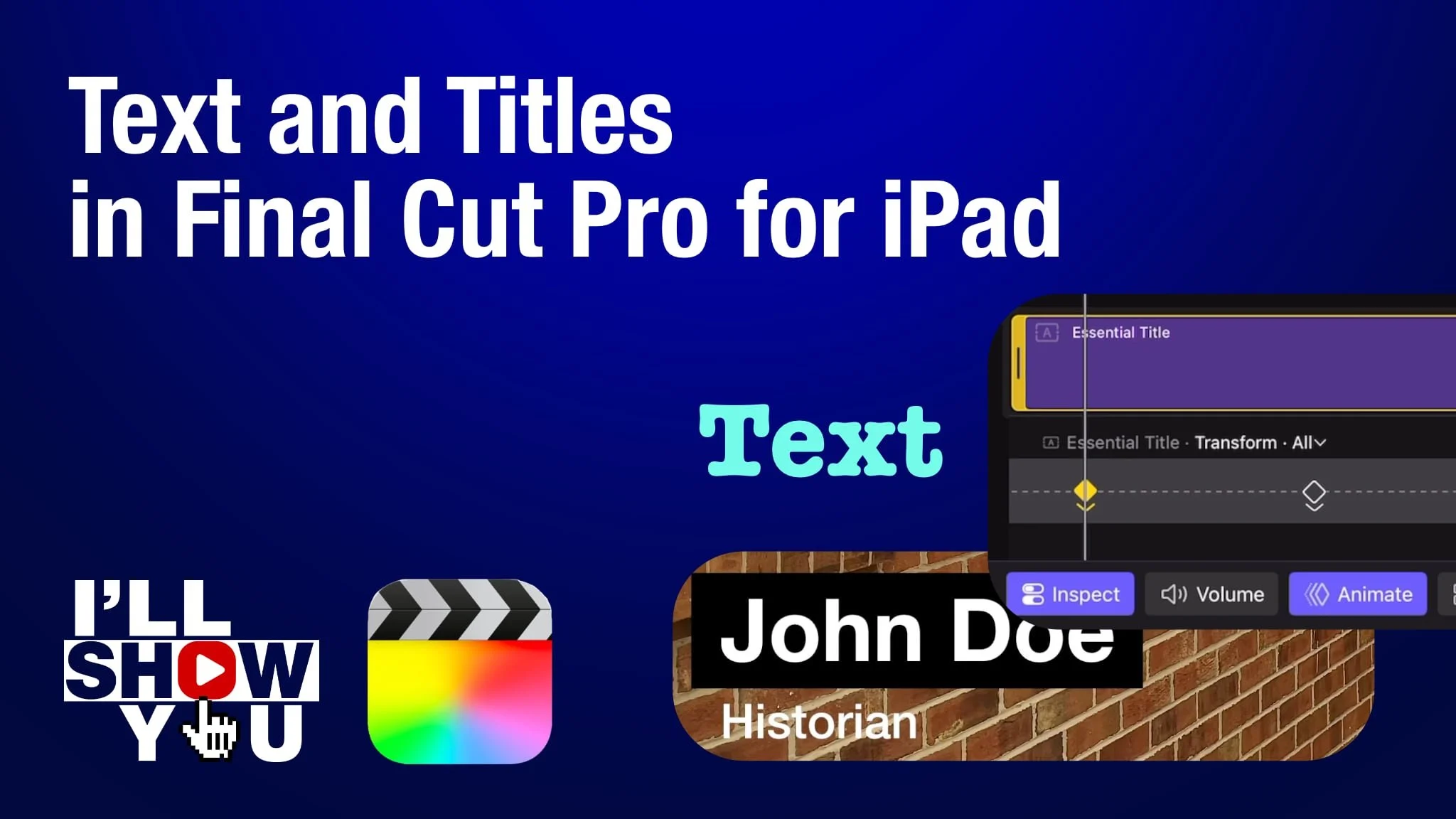
Master titles and text in Final Cut Pro for iPad with this focused playlist designed for beginners and mobile filmmakers. These tutorials walk you through everything from adding simple text to customizing fonts, colors, shadows, animation, lower thirds, keyframed movement, and more. Whether you’re creating YouTube videos, social content, or professional mobile projects, this playlist helps you take full control of titles and text on your iPad.
Learn how to design clean, modern titles, improve storytelling, and enhance your video edits using Apple’s powerful mobile editing software. Perfect for anyone looking to edit faster, smarter, and more creatively on Final Cut Pro for iPad.