Stay organized and edit faster with this tutorial playlist focused on project organization in Final Cut Pro for iPad. These videos walk through essential tools and workflows that help you manage media efficiently when editing on iPad. You’ll learn how to use keywords to tag clips, rate clips with favorites and rejects, filter clips in the browser, and rename clips for clarity.

The playlist also covers how to hide and manage hidden clips, making it easier to focus on the media you actually need while editing. Strong organization is critical for smooth mobile video making and mobile filmmaking, especially when working with larger projects or editing on the go.

Designed for beginners and intermediate users, this playlist helps creators, filmmakers, and editors get more out of Final Cut Pro for iPad, Apple’s powerful mobile video editing app. Mastering these organization features will speed up your workflow, improve project management, and make editing on iPads more efficient and enjoyable.
Explore the Final Cut Pro for iPad interface with this beginner-friendly tutorial playlist designed to help you understand where everything lives and how it all works together. These videos break down the core features of the app’s interface, including the timeline, browser, inspector, viewer, tools, and editing controls—so you can edit faster and with more confidence on iPad.

Whether you’re new to Final Cut Pro for iPad or transitioning from desktop editing, this playlist helps you build a solid foundation for mobile video making and mobile filmmaking. Understanding the interface is the key to efficient workflows, better organization, and smoother editing on Apple’s powerful iPad platform.

Perfect for creators, filmmakers, educators, and anyone looking to get the most out of video editing on iPad, this growing playlist will help you master the Final Cut Pro for iPad workspace and unlock its full potential.

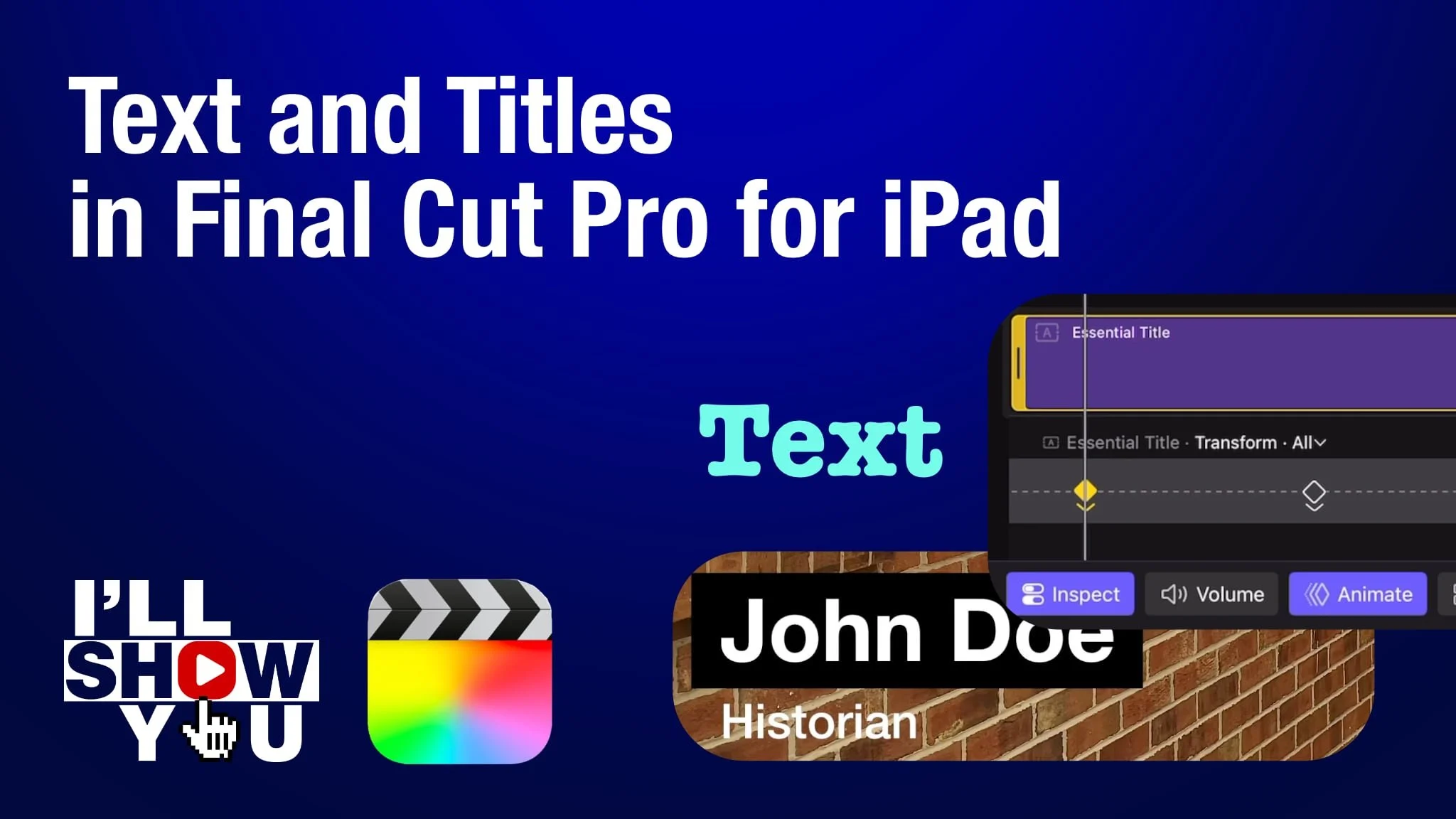
Master titles and text in Final Cut Pro for iPad with this focused playlist designed for beginners and mobile filmmakers. These tutorials walk you through everything from adding simple text to customizing fonts, colors, shadows, animation, lower thirds, keyframed movement, and more. Whether you’re creating YouTube videos, social content, or professional mobile projects, this playlist helps you take full control of titles and text on your iPad.

Learn how to design clean, modern titles, improve storytelling, and enhance your video edits using Apple’s powerful mobile editing software. Perfect for anyone looking to edit faster, smarter, and more creatively on Final Cut Pro for iPad.