Stay organized and edit faster with this tutorial playlist focused on project organization in Final Cut Pro for iPad. These videos walk through essential tools and workflows that help you manage media efficiently when editing on iPad. You’ll learn how to use keywords to tag clips, rate clips with favorites and rejects, filter clips in the browser, and rename clips for clarity.

The playlist also covers how to hide and manage hidden clips, making it easier to focus on the media you actually need while editing. Strong organization is critical for smooth mobile video making and mobile filmmaking, especially when working with larger projects or editing on the go.

Designed for beginners and intermediate users, this playlist helps creators, filmmakers, and editors get more out of Final Cut Pro for iPad, Apple’s powerful mobile video editing app. Mastering these organization features will speed up your workflow, improve project management, and make editing on iPads more efficient and enjoyable.
Explore the Final Cut Pro for iPad interface with this beginner-friendly tutorial playlist designed to help you understand where everything lives and how it all works together. These videos break down the core features of the app’s interface, including the timeline, browser, inspector, viewer, tools, and editing controls—so you can edit faster and with more confidence on iPad.

Whether you’re new to Final Cut Pro for iPad or transitioning from desktop editing, this playlist helps you build a solid foundation for mobile video making and mobile filmmaking. Understanding the interface is the key to efficient workflows, better organization, and smoother editing on Apple’s powerful iPad platform.

Perfect for creators, filmmakers, educators, and anyone looking to get the most out of video editing on iPad, this growing playlist will help you master the Final Cut Pro for iPad workspace and unlock its full potential.

Learn how to rate clips in Final Cut Pro for iPad to stay organized and edit faster. In this tutorial, you’ll see how to mark clips as Favorites or Rejects and how to clear ratings.

This video covers rating clips in multiple ways: rating an entire clip, rating a specific range within a clip, and rating multiple clips at the same time. These tools are essential for sorting footage, finding your best takes quickly, and keeping large projects organized—especially when editing on the go.

Whether you’re new to Final Cut Pro for iPad or looking to improve your mobile video making workflow, this tutorial will help you edit more efficiently using Apple’s powerful video editing tools on iPad.

Want to make your audio sound like someone just inhaled helium? In this quick and fun tutorial, you’ll learn how to use the Helium Voice effect in Final Cut Pro for iPad to instantly change the pitch of a voice clip. This step-by-step walkthrough shows you how to add the effect and how to adjust its intensity for the perfect high-pitched, cartoon-style sound.

Whether you’re making comedy videos, TikToks, YouTube shorts, or mobile filmmaking projects, this effect is an easy way to add personality and humor to your edits. Final Cut Pro for iPad makes audio manipulation simple—and this tutorial helps beginners get results fast.

Perfect for creators working on an iPad, mobile video editors, and anyone exploring Apple’s powerful editing tools.

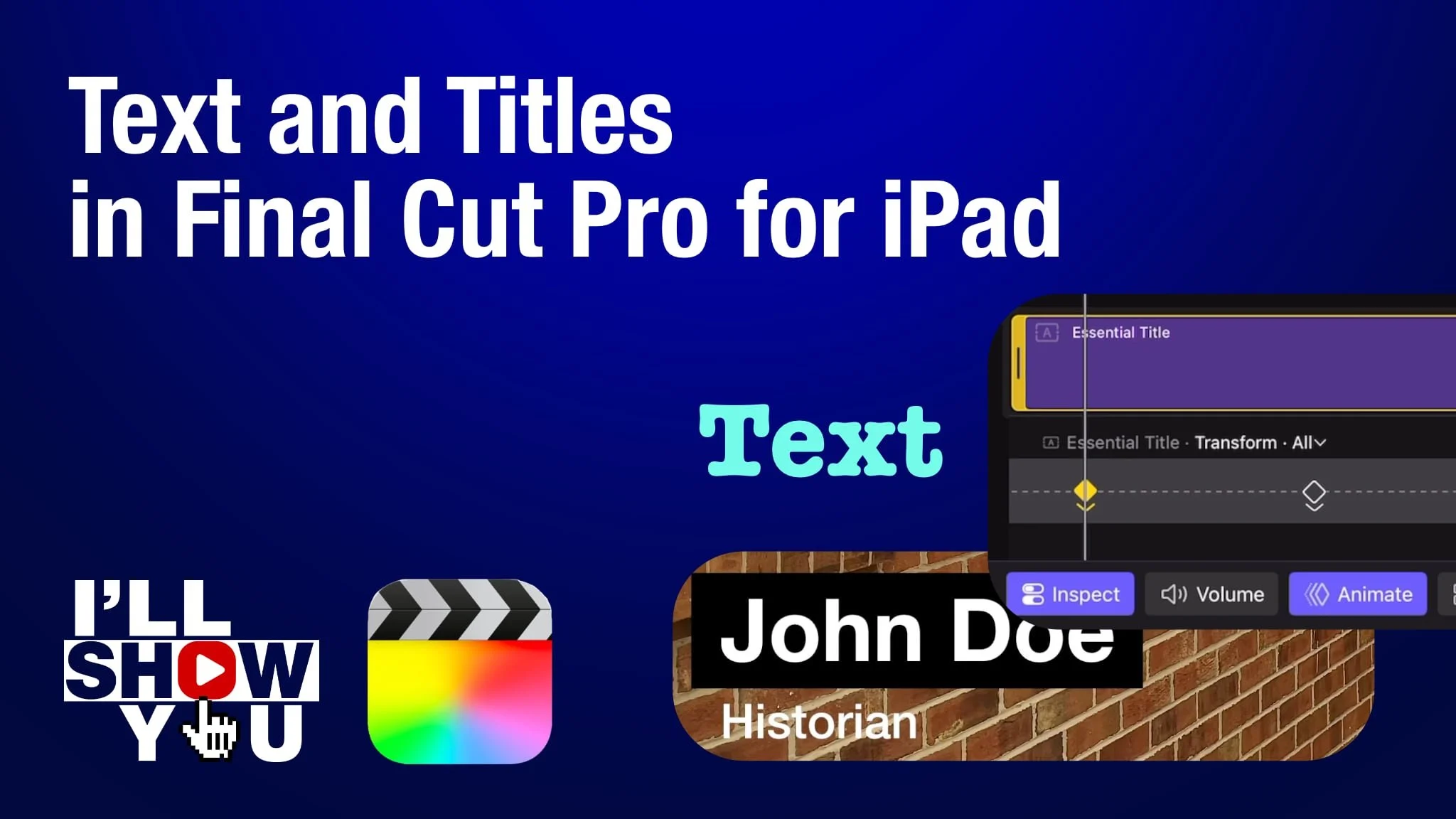
Master titles and text in Final Cut Pro for iPad with this focused playlist designed for beginners and mobile filmmakers. These tutorials walk you through everything from adding simple text to customizing fonts, colors, shadows, animation, lower thirds, keyframed movement, and more. Whether you’re creating YouTube videos, social content, or professional mobile projects, this playlist helps you take full control of titles and text on your iPad.

Learn how to design clean, modern titles, improve storytelling, and enhance your video edits using Apple’s powerful mobile editing software. Perfect for anyone looking to edit faster, smarter, and more creatively on Final Cut Pro for iPad.

Learn how to quickly add a Zoom transition in Final Cut Pro for iPad using the app’s built-in transition effect. This beginner-friendly tutorial walks you through where to find the Zoom transition, how to apply it, and how to customize its duration and intensity for smooth, dynamic edits.

Whether you’re creating YouTube videos, social media content, or mobile film projects, this simple effect can instantly make your edits feel more engaging and polished—all directly on your iPad. Perfect for mobile filmmakers, creators, and anyone looking to edit fast and efficiently with Apple’s powerful Final Cut Pro for iPad.

Learn how to animate text using keyframes in Final Cut Pro for iPad in this step-by-step tutorial. You’ll see how to add, delete, navigate, and re-time keyframes using the built-in keyframe editor to create smooth and professional text motion. Perfect for mobile video makers, filmmakers, and editors using iPad, this tutorial will help you bring your titles and graphics to life with dynamic animation. Whether you’re creating social videos, YouTube intros, or cinematic titles, mastering keyframes in Final Cut Pro for iPad is a must for any editor.

Discover how Apple’s powerful video editing tools make it easy to create motion graphics right from your iPad — no desktop required!

Software Versions:

Final Cut Pro for iPad 2.3

iPadOS 26.0.1

In this quick Final Cut Pro for iPad tutorial, learn how to turn off audio while scrubbing through your timeline. If you’re tired of hearing choppy or distracting sound while moving the playhead, this video shows you the simple steps to disable audio scrubbing — making your editing process smoother and quieter.

Perfect for mobile video editors, mobile filmmakers, and creators working on iPads, this tip helps streamline your workflow in Final Cut Pro for iPad. Whether you’re editing a YouTube vlog, a short film, or social media content, silencing scrubbing audio is a useful setting to know.

Want to speed up your editing workflow on the go? In this quick tutorial, you'll learn how to instantly add transitions between multiple video clips in Final Cut Pro for iPad. This is a must-know technique for mobile video editors and creators using Apple’s iPad to streamline their editing process.

Perfect for mobile filmmakers, content creators, and anyone working in mobile video editing, this video shows you how to apply seamless video transitions across multiple clips with just a few taps—saving you valuable time.

Take your edits to the next level with this time-saving technique in Final Cut Pro for iPad.